How to Take Sports Photos of Kids With Your Phone
Practical tips on how to take sports photos of kids with your phone: light, angles, burst mode, timing, and the shots that make the best poster photos.
September 28, 2026 · 5 min read · Future Legends Co.
You've been standing on the sideline all season, phone in hand, trying to catch the moment. And somehow you end up with forty blurry photos of the back of a jersey and one great shot of the snack table.
You don't need a pro camera to get great sports photos of your kid. You need a few simple habits. This guide covers what actually makes a difference, from where you stand to which settings to tap.
Start with light
Light matters more than any camera feature. Before you worry about angles or zoom, look at where the sun is.
- Keep the sun behind you or off to the side, so it lights your kid's face instead of turning them into a silhouette.
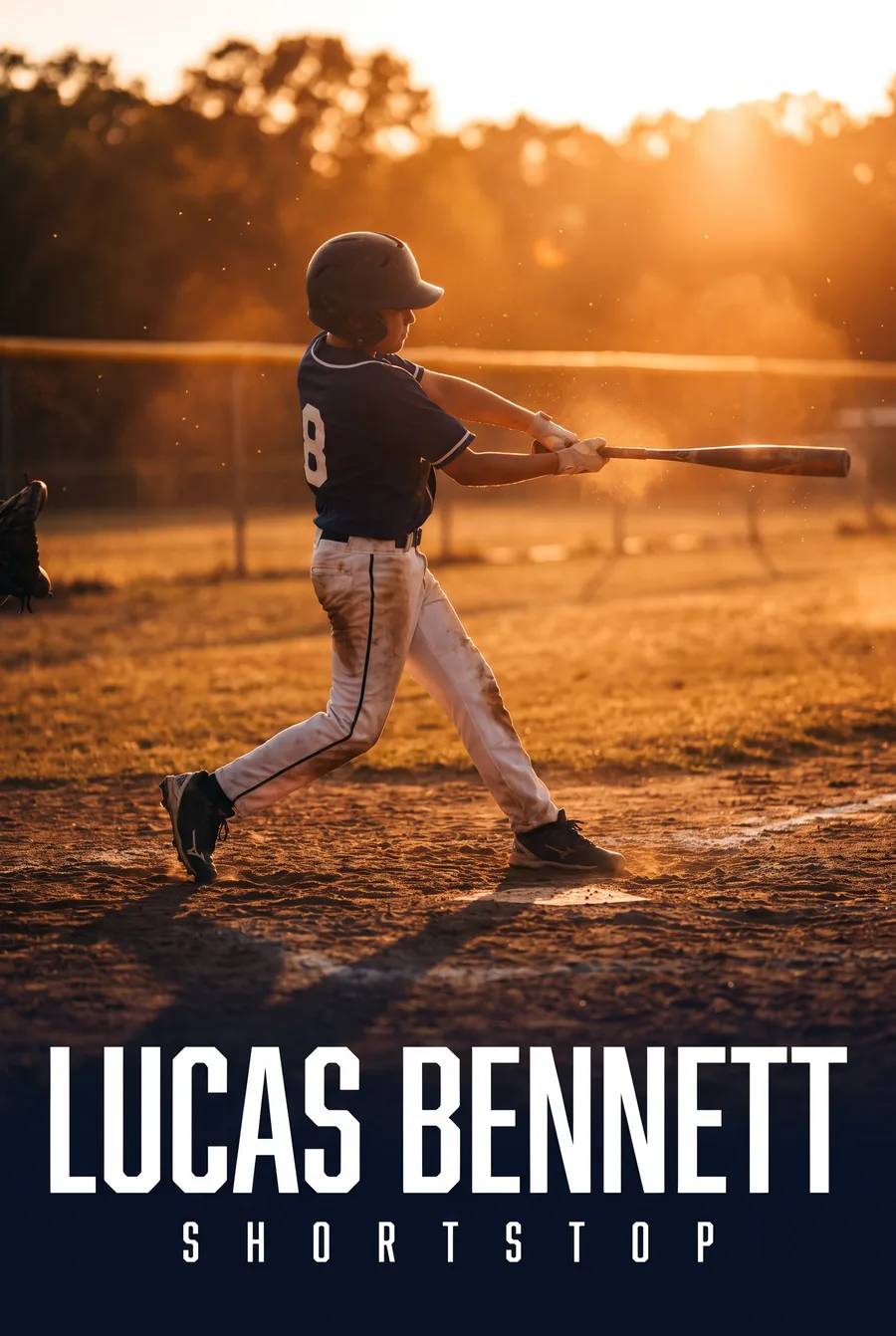
- Early morning and late afternoon give softer, warmer light. That glow is why photographers love "golden hour."
- Midday sun creates harsh shadows under hats and helmets. If you're stuck with it, look for moments when your kid faces the sun, or shoot in the shade of the bleachers.
- Indoor gyms and rinks are dimmer than they look. Get as close as you're allowed and keep your phone steady.
Know your phone's best settings
Most phones have a few built-in features that help a lot with sports.
Use burst mode
Burst mode takes a rapid series of photos while you hold the shutter. On many phones, you hold or slide the shutter button to trigger it. Sports happen fast, and burst mode lets you pick the frame where the ball is on their foot, not three feet away.
Tap to focus and lock exposure
Tap your kid on the screen before the action starts. On most phones, pressing and holding locks focus and exposure so the camera doesn't hunt around while they're moving.
Avoid digital zoom when you can
Pinching to zoom often makes photos grainy. If your phone has a dedicated telephoto lens (often labeled 2x, 3x, or 5x), use that instead. Otherwise, move closer or crop afterward.
Turn off the flash
Flash rarely reaches the field, and it can distract players. Natural light almost always looks better.
Where to stand
Your position on the sideline changes everything.
- Get low. Crouching or kneeling makes kids look bigger and more heroic. Shooting down from bleacher height makes them look small.
- Shoot toward the action. Stand near the goal they're attacking, the base they're running toward, or the end of the lane. You want faces, not backs.
- Anticipate. In soccer, stand near where corners are taken. In baseball, line up with home plate. In basketball, the baseline gives great angles on layups.
- Respect the rules. Some leagues and venues restrict where parents can stand. Stick to allowed areas and never step onto the field of play.
The shots worth getting
A mix of photo types tells the full story of their season.
Action shots
The classic. Kicks, swings, jumps, and dives. Use burst mode and keep your shutter finger ready.
Emotion shots
Celebrations, high fives, the look of focus before a free throw. These often end up being your favorites.
Portraits
Take a few calm, clear photos before or after the game. Have them face you, look into the camera, and hold their gear if they want. Stand so the light is on their face and the background is simple.
Team and detail shots
The huddle, the muddy cleats, the number on their back. These are small, but they bring back memories fast.
If you want to turn a photo into a poster
If you're planning to make a personalized poster, the photo priorities shift a little. A clear likeness matters more than dramatic action.
For the best results with Future Legends Co.:
- Upload one to three photos. One sharp, well-lit face shot plus one that shows their build and stance is a great combination.
- Faces should be clear and unobstructed. Pull off the helmet or sunglasses for at least one photo.
- Front or three-quarter angles work best. Profiles and back-of-the-head shots don't give enough detail.
- Skip heavy filters and beauty modes. Natural photos keep the likeness accurate.
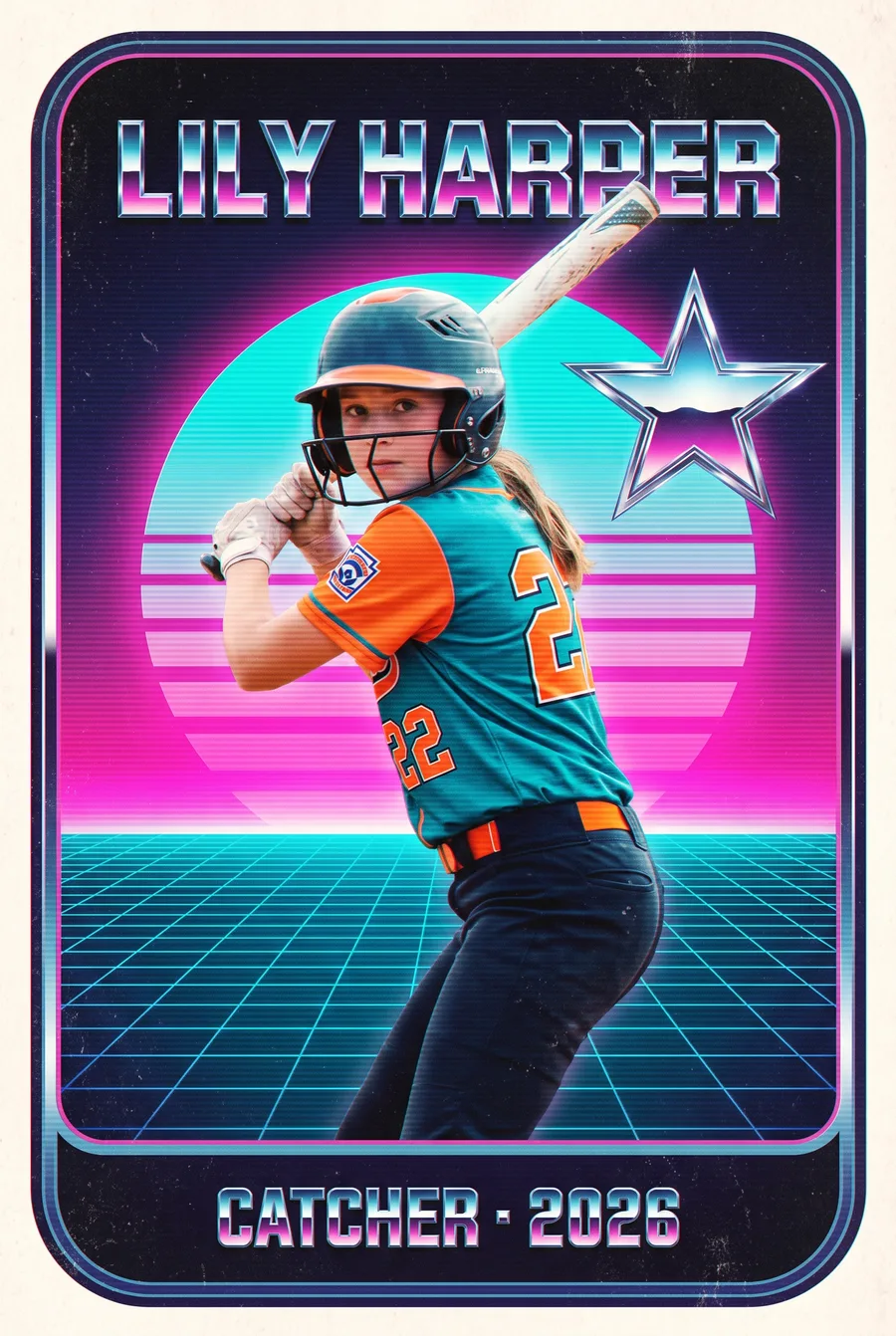
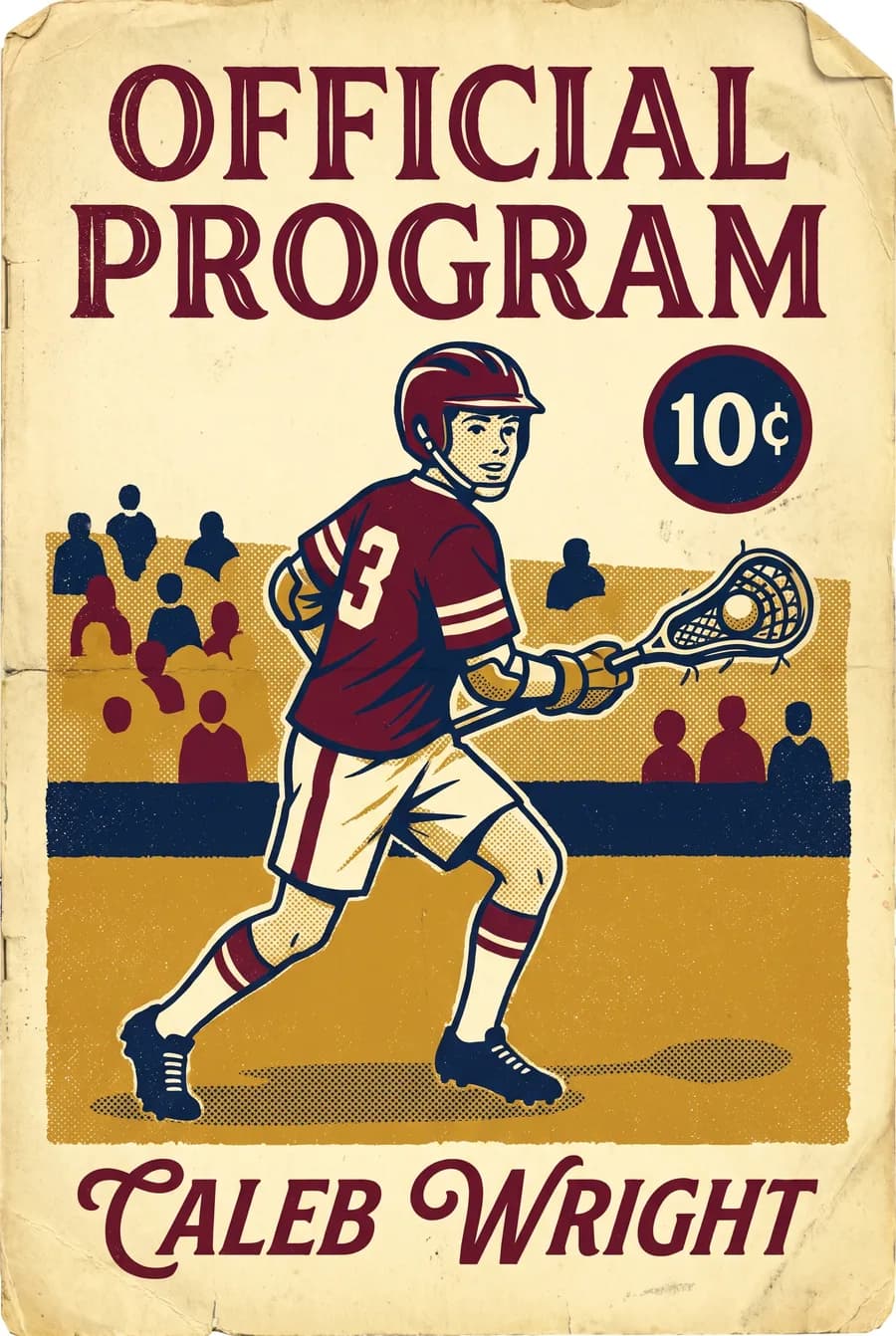
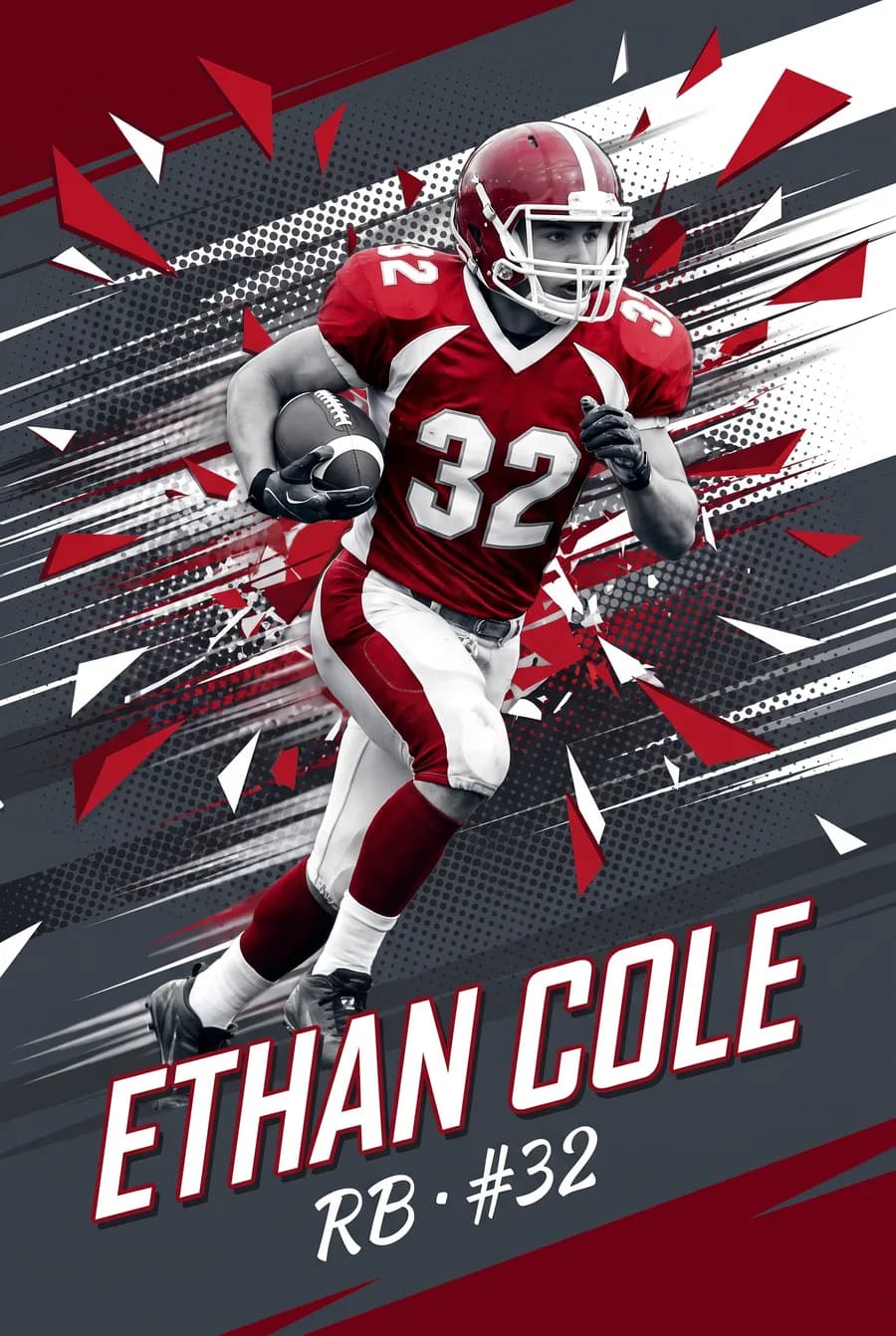
The action and drama get built into the style itself. Pick Golden Hour for warm evening light, Night Game for stadium lights, or Storm Chaser for a dramatic sky, even if your original photo was taken in the backyard at noon.
The preview is free, so if you're unsure which photo works best, try a couple and compare. Our FAQ covers more questions about photos and previews.
Quick editing tips
A few small edits can make a good photo great:
- Crop tighter to remove distractions and center your kid.
- Straighten the horizon if the field looks tilted.
- Nudge brightness and shadows if their face is a little dark.
- Keep it natural. Heavy saturation and filters rarely age well.
Keep it fun for them
The best sports photos come from kids who aren't annoyed by the camera. Keep portrait sessions short, let them choose a pose, and don't interrupt warmups or team time. A few quick shots after a win go a lot further than a long photo session before a game.
FAQ
What's the best phone setting for sports photos?
Burst mode is the most useful. Combine it with tap-to-focus and the phone's native telephoto lens, if it has one, for sharper action shots.
How do I avoid blurry photos of kids playing sports?
Shoot in good light, keep your phone steady with both hands, use burst mode, and avoid digital zoom. Brighter light lets the camera freeze motion more easily.
What kind of photo works best for a personalized sports poster?
A clear, well-lit photo of their face from the front or a slight angle, plus one showing their build. Avoid helmets, sunglasses, and heavy filters in at least one shot.
Put your best shot to work
Got a photo you love? Make a free preview and see it transformed into a pro-style poster in about 60 seconds.
Make their poster free
Upload a photo, pick a style, and see your athlete as the star of their own pro poster. You only pay if you love it.
Create my free preview